| 1 |
# Pushover |
| 2 |
|
| 3 |
## URL Format |
| 4 |
|
| 5 |
!!! info "" |
| 6 |
pushover://shoutrrr:__`apiToken`__@__`userKey`__/?devices=__`device1`__[,__`device2`__, ...] |
| 7 |
|
| 8 |
--8<-- "docs/services/push/pushover/config.md" |
| 9 |
|
| 10 |
## Getting the keys from Pushover |
| 11 |
|
| 12 |
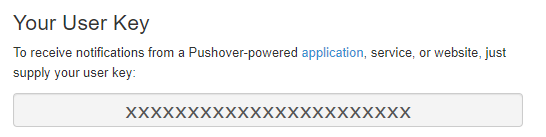
At your [Pushover dashboard](https://pushover.net/) you can view your __`userKey`__ in the top right. |
| 13 |
 |
| 14 |
|
| 15 |
The `Name` column of the device list is what is used to refer to your devices (__`device1`__ etc.) |
| 16 |
 |
| 17 |
|
| 18 |
At the bottom of the same page there are links your _applications_, where you can find your __`apiToken`__ |
| 19 |
 |
| 20 |
|
| 21 |
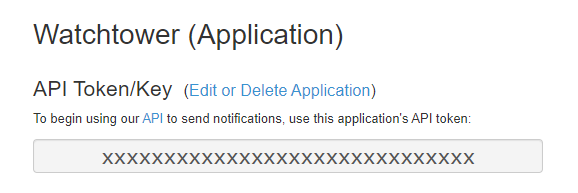
The __`apiToken`__ is displayed at the top of the application page. |
| 22 |
 |
| 23 |
|
| 24 |
## Optional parameters |
| 25 |
|
| 26 |
You can optionally specify the __`title`__ and __`priority`__ parameters in the URL: |
| 27 |
_pushover://shoutrrr:__`token`__@__`userKey`__/?devices=__`device`__&title=Custom+Title&priority=1_ |
| 28 |
|
| 29 |
!!! note |
| 30 |
Only supply priority values between -1 and 1, since 2 requires additional parameters that are not supported yet. |
| 31 |
|
| 32 |
Please refer to the [Pushover API documentation](https://pushover.net/api#messages) for more information. |