| 1 |
# oscilloscope |
| 2 |
|
| 3 |
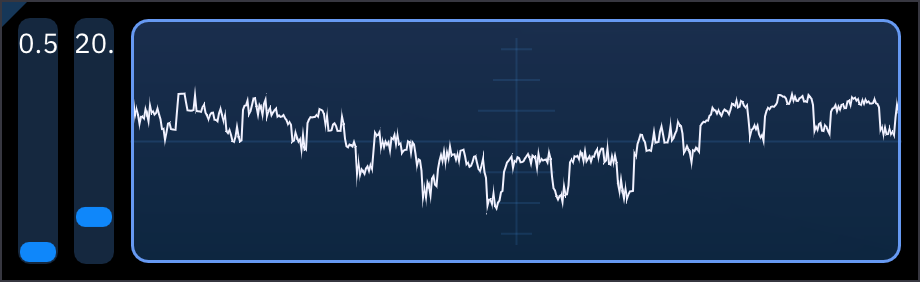
the Oscilloscope shows the audio output as a waveform. |
| 4 |
|
| 5 |
 |
| 6 |
|
| 7 |
right-clicking on the oscilloscope toggles adjustment sliders: |
| 8 |
- waveform height (zoom) |
| 9 |
- window size (how much of the output to display) in milliseconds. |